Transfer photos &
videos wirelessly
Move photos and videos between iPhone, Android, Mac, and PC at full resolution over local WiFi. No cables or cloud upload needed.


Free: up to 5 photos or videos per batch. PRO: unlimited items per batch. Full resolution in both.
4.6/5 from 11,472 iOS ratings · US App Store
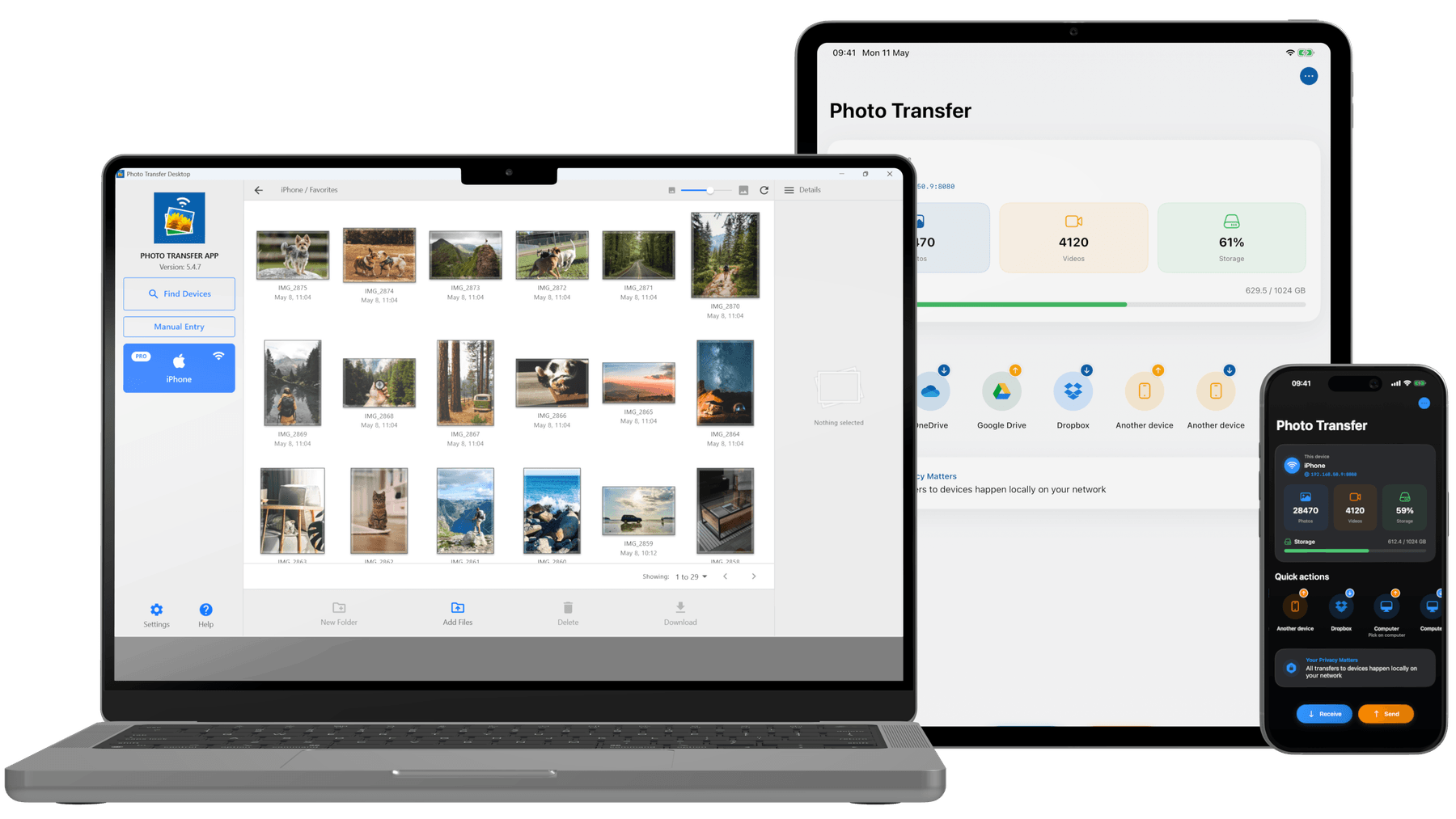
Transfer photos without cables or cloud uploads
Photos go straight between your devices over local WiFi, at full resolution.
Direct over local WiFi
Transfer straight between devices on your local WiFi network — no internet needed, no upload queue.
Your photos stay on your network
Local transfers go directly between your devices over WiFi, without uploading to our servers. Optional cloud backup and downloading iCloud originals use the internet.
No account needed
No sign-up, no login. Open the app and start transferring immediately.
Browser access
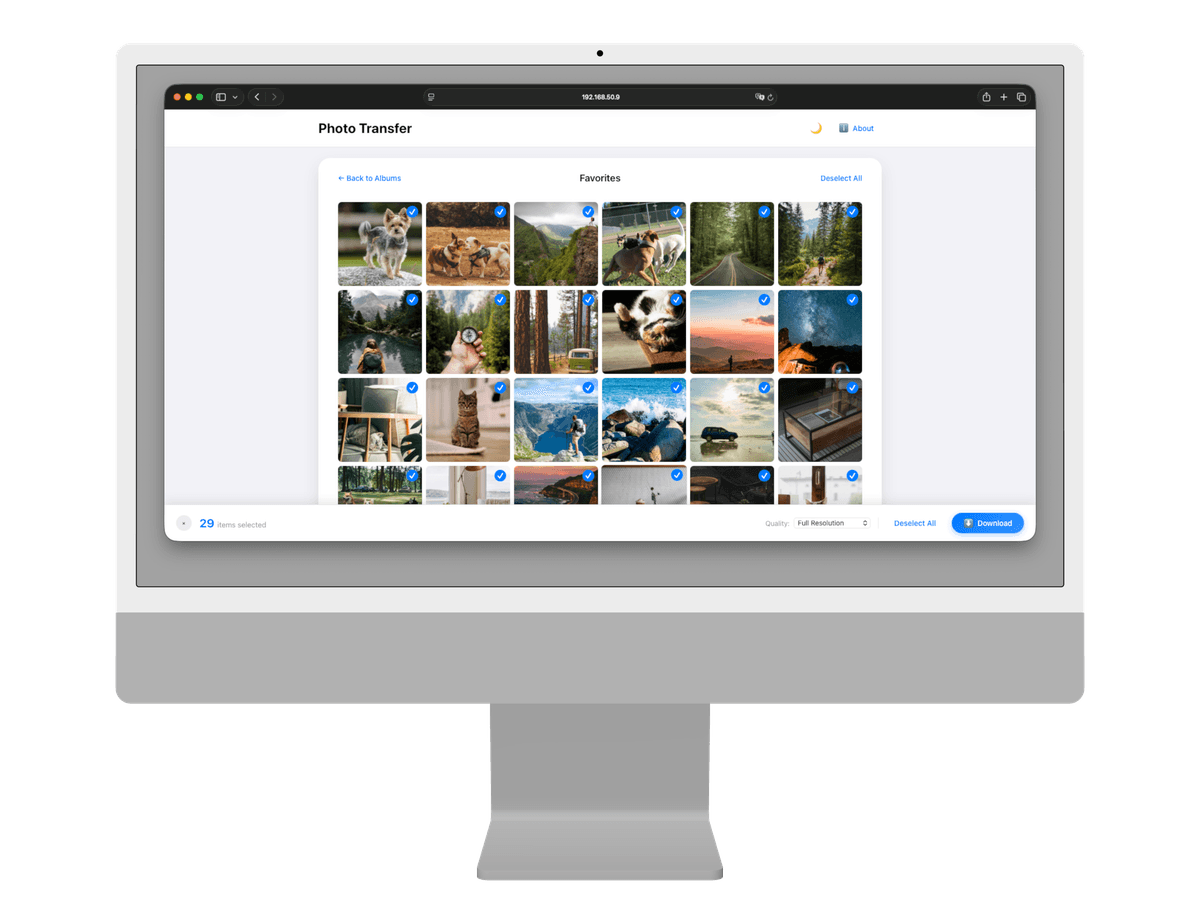
No app needed on your computer. Open any web browser and transfer instantly.
Full resolution, RAW, Live Photos, and more
Original quality
Full resolution photos and 4K videos. Zero compression.
RAW & Live Photos
Live Photos stay live between iPhone and Android. ProRAW, DNG, and pro camera formats too.
Metadata preserved
EXIF data, GPS locations, and timestamps stay intact.
HEIC to JPEG
Optional conversion for devices that can’t open HEIC.
Albums & batch select
Browse by album and transfer multiple items at once.
Desktop apps
Mac and Windows apps. Drag files in to send, or connect by USB on Windows.
Cloud & NAS backup
Dropbox, Google Drive, OneDrive, Flickr, or your own NAS over SMB or WebDAV. With PRO.
Cross-platform
Works between iPhone, Android, Mac, Windows, and any browser.
Background transfers
Leave the app during a transfer and it keeps going. iPhone and iPad need iOS or iPadOS 26 or later.
Transfer notifications
Get a notification when a transfer ends while you're in another app, on your phone or your Windows PC.
Duplicates skipped
Files already on your computer, your NAS, your cloud folder, or your phone aren't copied again.
Landscape and tablets
Turn your phone sideways during a transfer. On Android tablets, transfers open in centered dialogs.
Send photos to a computer, another phone, the cloud, or your NAS
Or to any web browser, with nothing to install on the computer.
Phone to computer
Transfer photos and videos between your phone and Mac or PC. Use the desktop app — drag files in to send them to your phone — or simply open any web browser, with no install required on the computer. On Windows, you can also connect with a USB cable.
- Desktop app or web browser
- Drag files in to send
- WiFi, or USB on Windows
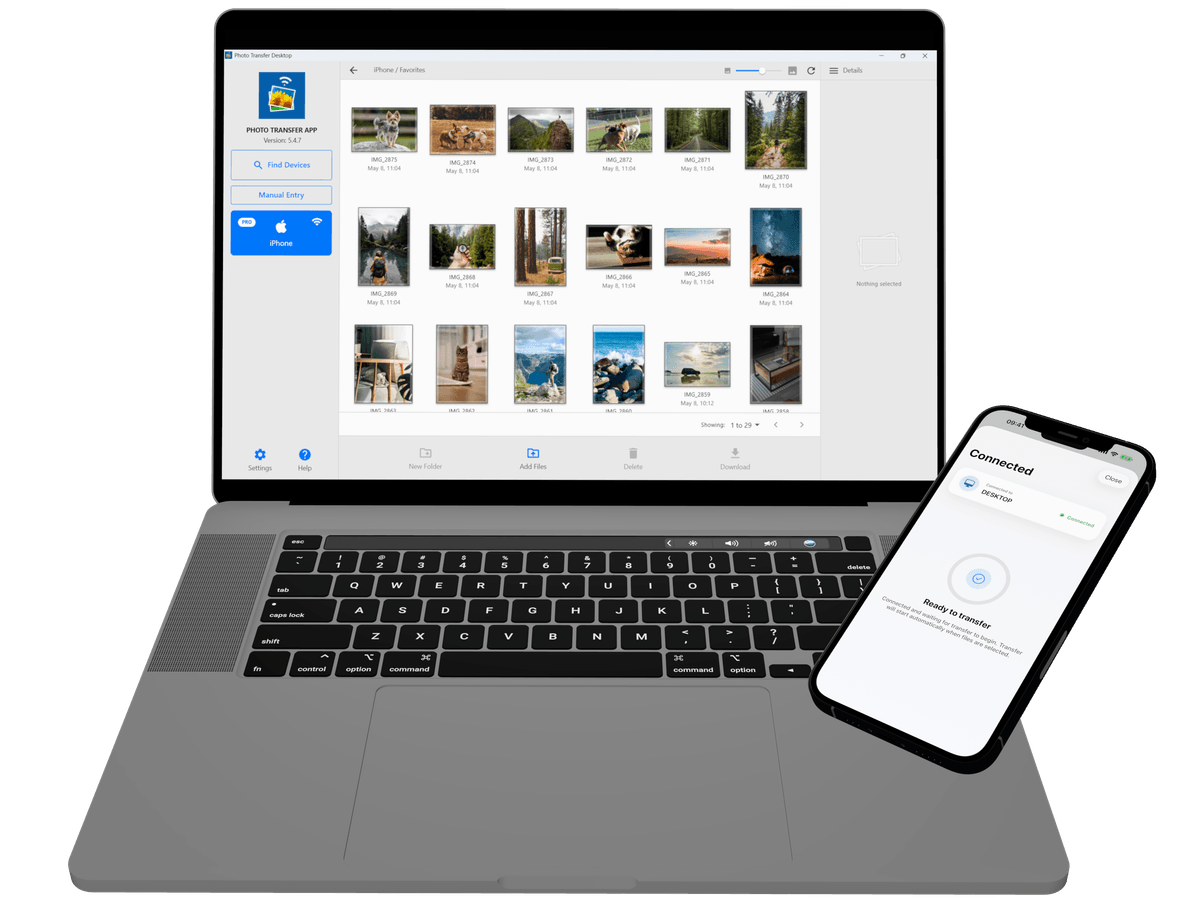
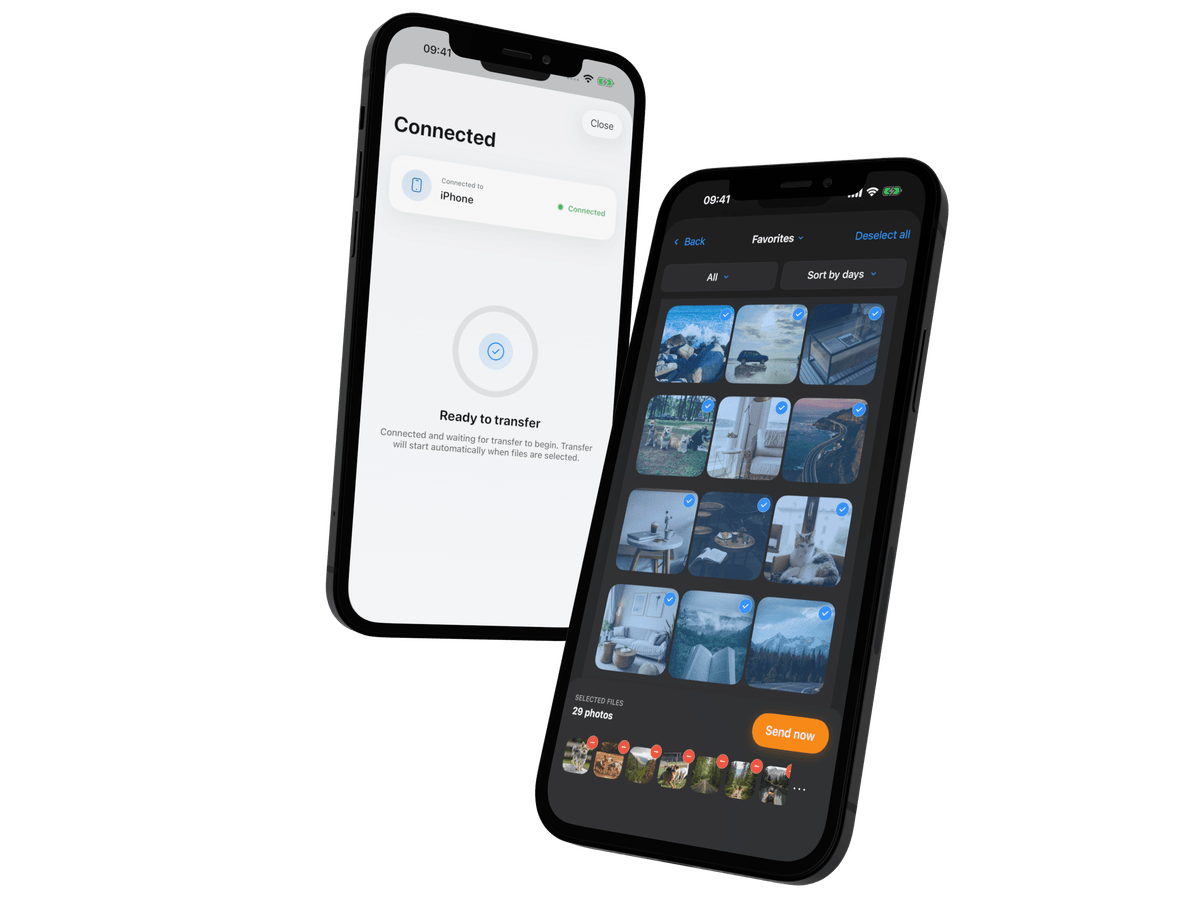
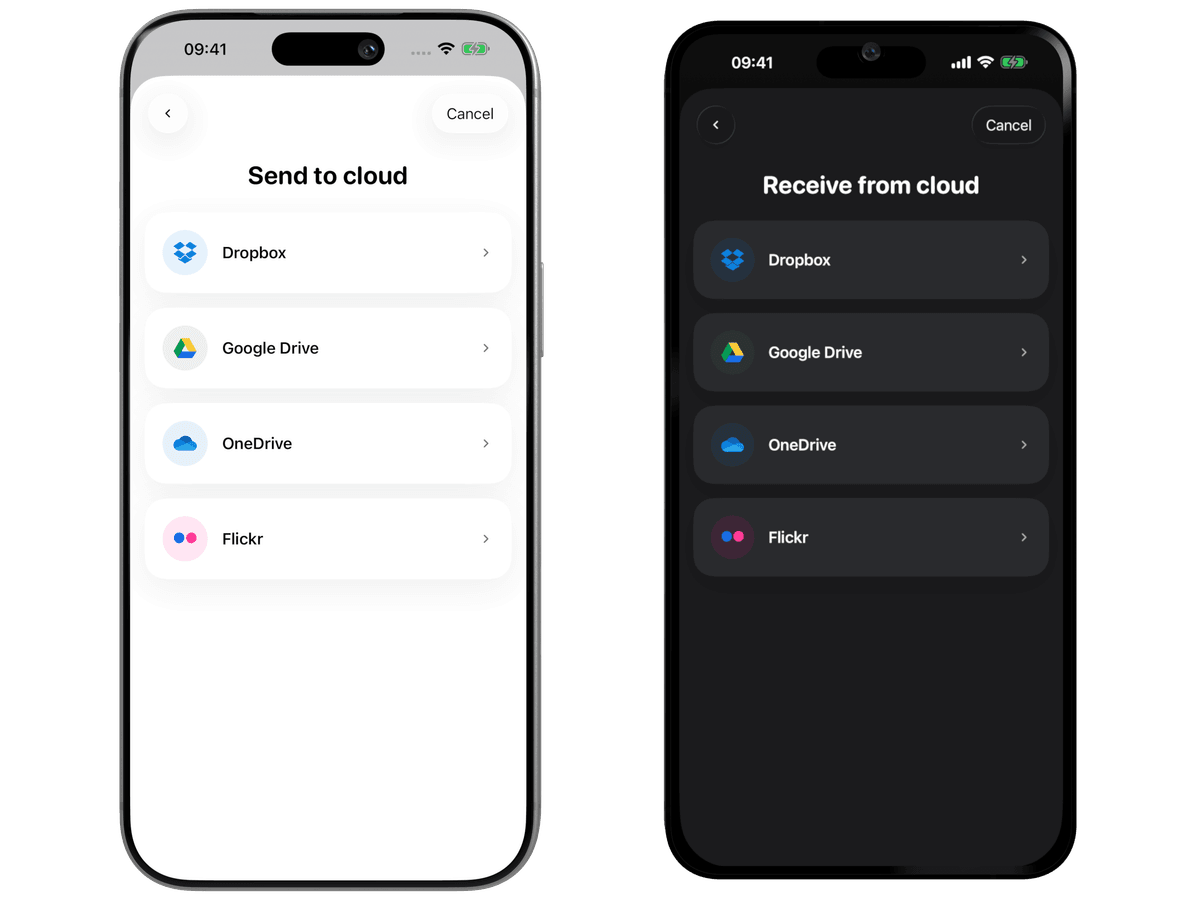
Available for iPhone, iPad, Android, Mac, and Windows
Where do you want to send your photos?
Choose your devices for a step-by-step transfer guide.
What App Store and Google Play reviewers say
For schools and businesses
Move photos from work phones and tablets to your own computers and servers. Your photos never pass through our servers, and nobody needs an account.
Your photos belong to you.
Move them freely.
3M+ total downloads. Move photos and videos between your devices over local WiFi.
Free: up to 5 photos or videos per batch. PRO: unlimited items per batch. Full resolution in both.